Duopix
A downloadable tool for Windows and macOS
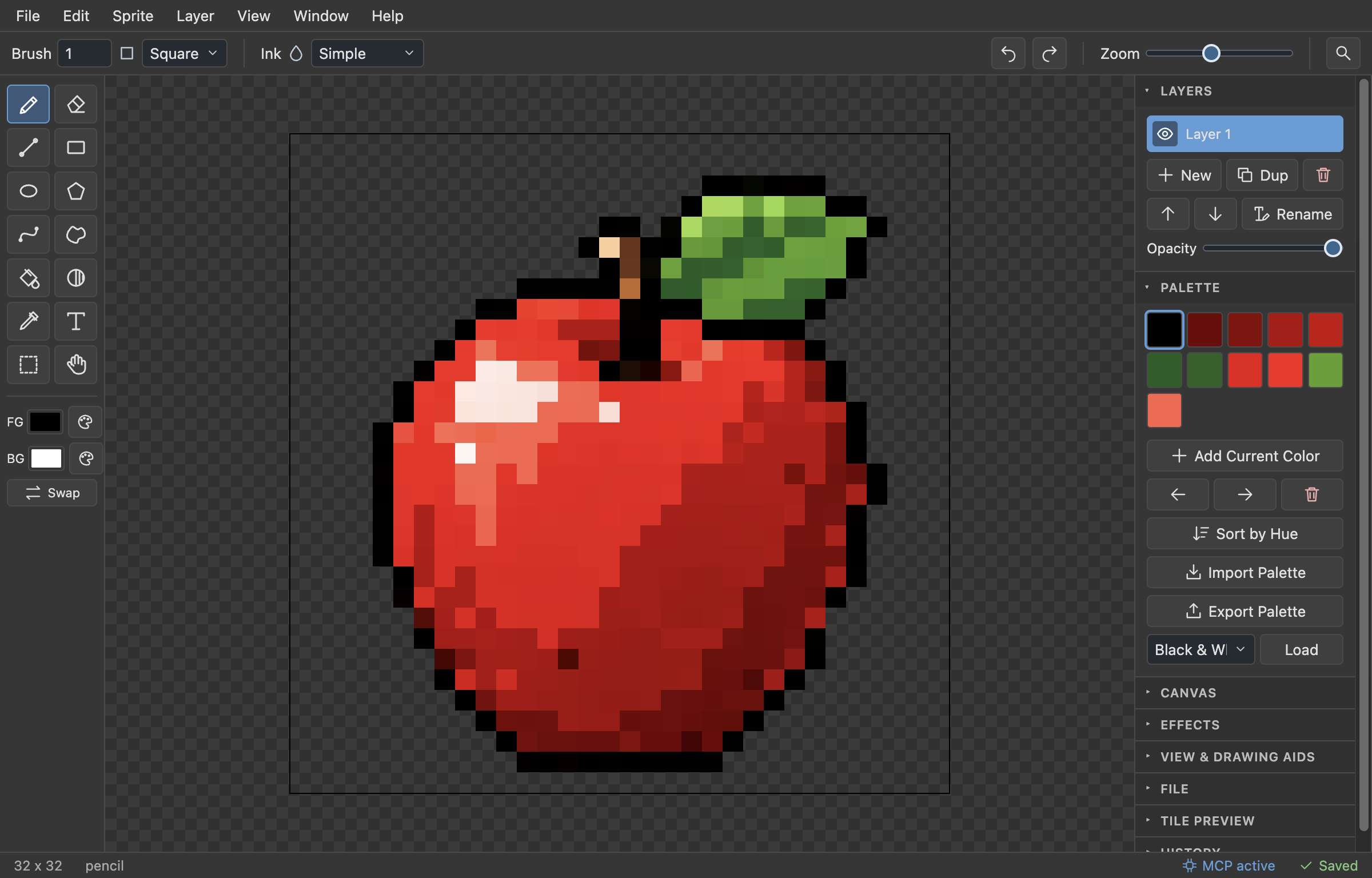
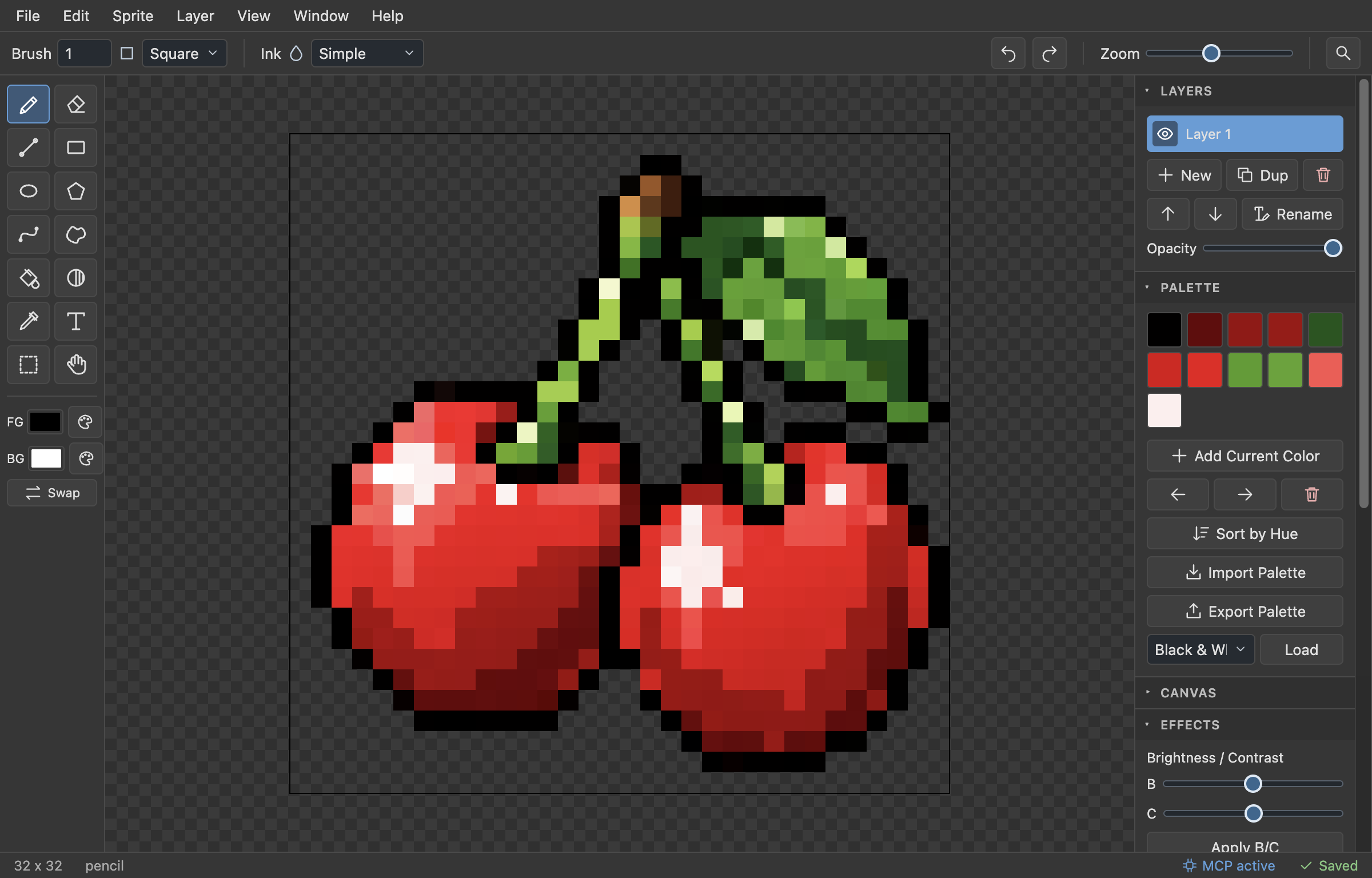
Duopix is a desktop pixel art editor made for game developers who need sprites, icons and tiles, without a pile of features they will never touch.
Features
- Canvas up to 1024×1024 with layers (visibility, opacity, reorder)
- Pencil, eraser, line, curve, rectangle, ellipse, polygon, contour, fill, text and eyedropper
- Square and round brushes (1–16 px) with a live brush preview
- Shading tool that steps pixels along your palette ramp
- Symmetry drawing (horizontal / vertical)
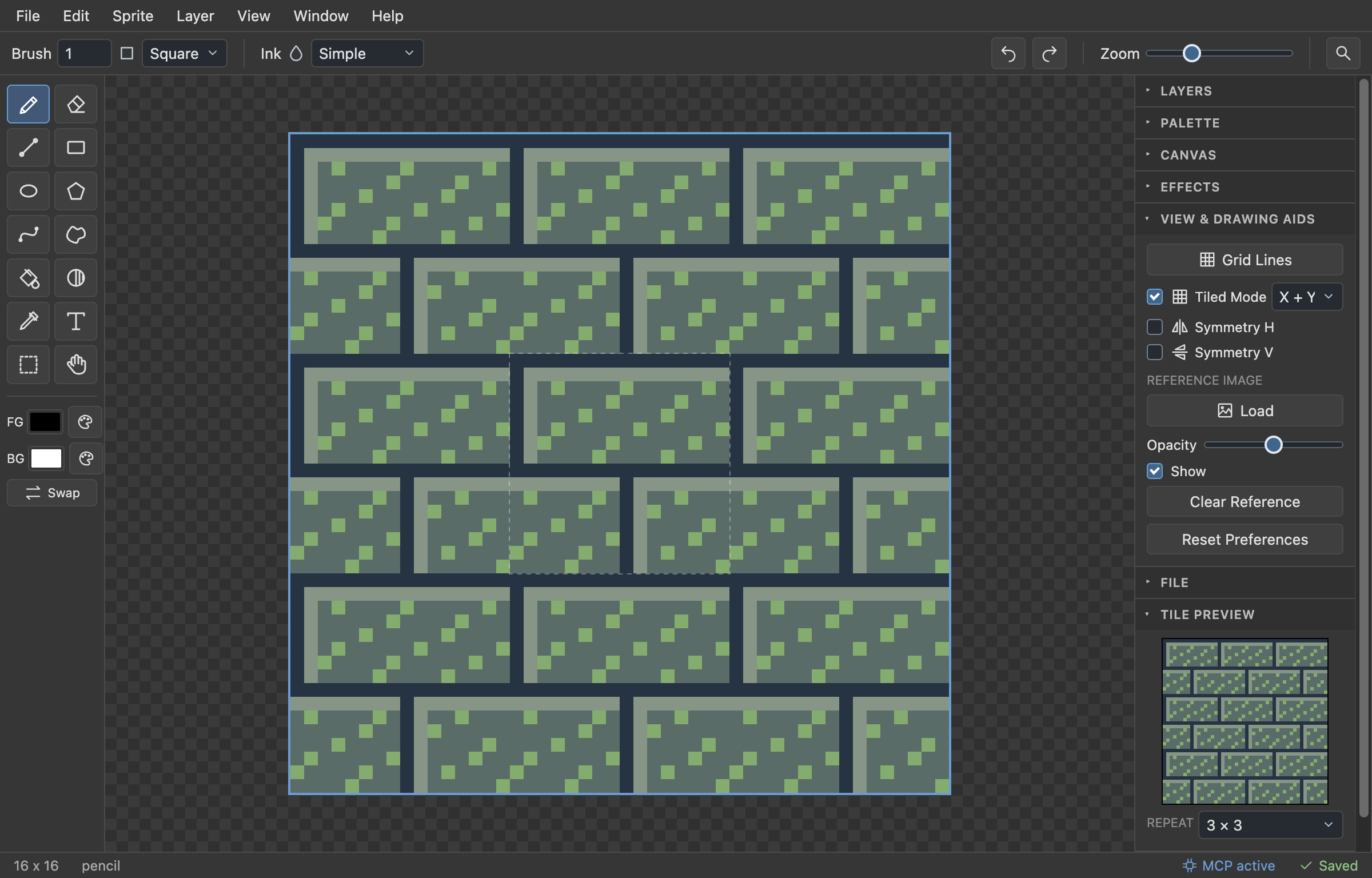
- Tiled Mode for seamless textures: strokes wrap across edges, you can draw on the repeated copies, Offset by Half and a Tile Preview panel
- Palette editor with import from .gpl, .pal, Lospec hex lists and images
- Effects: outline, despeckle, blur/sharpen and more, brightness/contrast, hue/saturation
- Reference image overlay for tracing
- Unlimited undo with a history browser
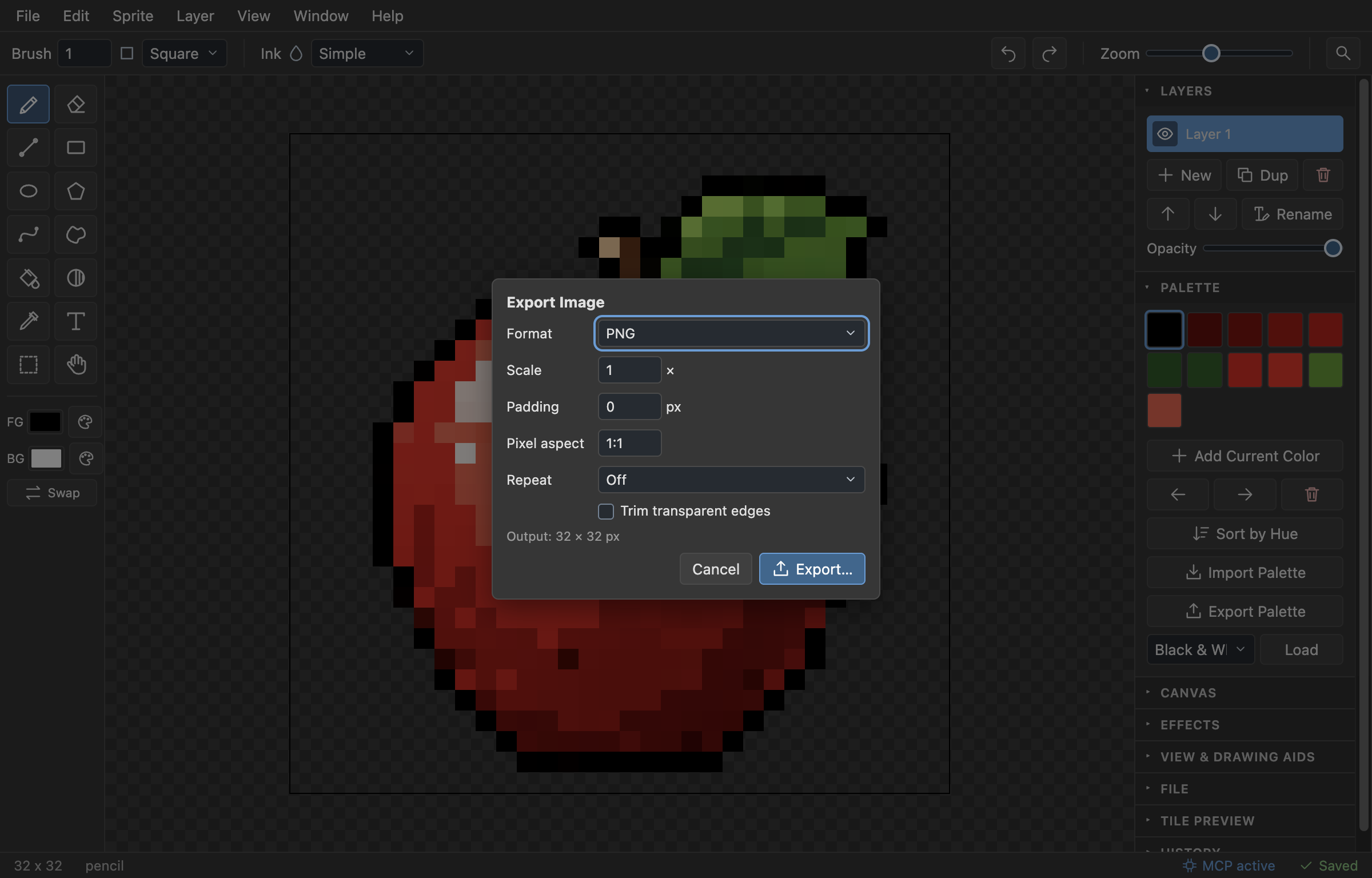
- Export to PNG, JPEG or WebP, with upscaling and tiled sheets (2×2 to 4×4)
- Auto-save and crash recovery
- Three example projects to start from (File → Example Projects)
AI agent control (MCP)
Duopix includes an MCP server, so Claude (Desktop or Code), ChatGPT (via Codex) or any other MCP client can draw and edit your sprites: pixels, shapes, fills, layers, palettes, effects, export to PNG. Keep Duopix open and you watch every change land live on the canvas, with full undo.
Setup: open Help → Connect AI Agent (MCP) in Duopix, copy the config for your client and restart the client. No Node.js or other install needed. For ChatGPT use Codex (the Codex CLI, or Codex/Work mode in the ChatGPT desktop app); regular ChatGPT chat can't run local MCP servers.
Not yet
Animation (frames, timeline, GIF export) is not supported yet.
Install
macOS (Apple Silicon): unzip and move Duopix to Applications. The app is not notarized by Apple, so the first launch is blocked: open System Settings → Privacy & Security, scroll down and click Open Anyway next to Duopix.
Windows (64-bit): unzip anywhere and run Duopix.exe. If SmartScreen appears, click More info → Run anyway.
Duopix is freeware. If it helps you, a small donation is appreciated.
Download
Click download now to get access to the following files:
Development log
Leave a comment
Log in with itch.io to leave a comment.